
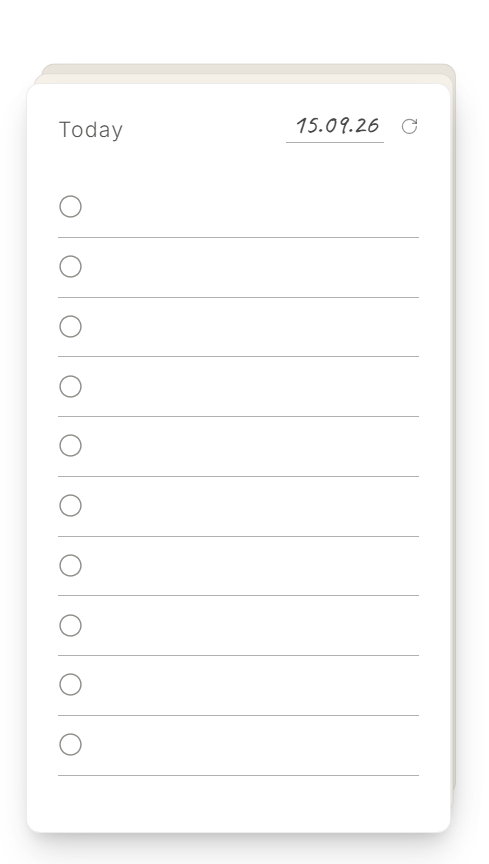
Write it down instantly
Click any line on the card and start typing. DodoDeck saves as you go — no setup required.
 DodoDeck
New DodoDeck for Windows
DodoDeck is a small desktop space for capturing what's on your plate — tasks, notes, whatever comes to mind — and keeping it visible while you work, without opening another app.
Scroll to enter the desktop
What DodoDeck does
Click any line on the card and start typing. DodoDeck saves as you go — no setup required.
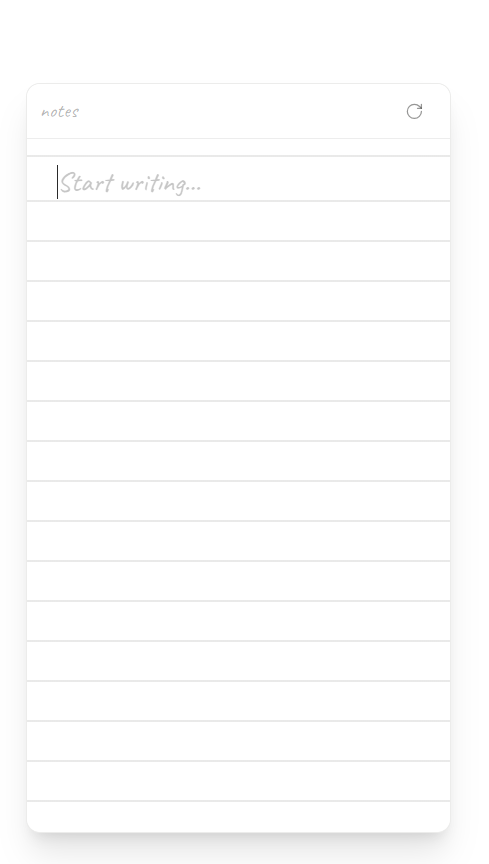
Flip any card for a blank page — notes, screenshots, links, or video, whatever doesn't belong on a task list.
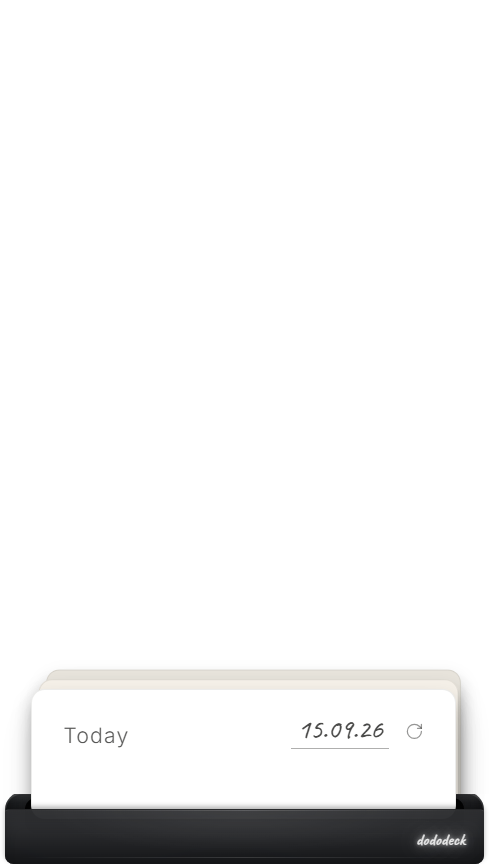
Dock the deck above your taskbar and bring it back with a single click.
Pricing & download
DodoDeck is free to try for 14 days with every feature unlocked. After that, a one-time $5 purchase keeps your cards editable — no subscription, no account. Your license covers lifetime updates to everything in this release.
Runs on 64-bit Windows 10 and 11 today — macOS is submitted and pending App Store review.
Every card and dock in this release — task cards, Rough Pages, and Card, Focus, and Media Docks — free for 14 days. Share cards as images or export and import .dododeck files.
After the trial, your cards, notes, and archive remain available to read until you activate a license.
A one-time $5 purchase, for up to two of your own devices, with free updates to this release for as long as you hold a license. New card types or docks, if we build them, are offered separately.
FAQ
DodoDeck becomes read-only. You can still see your cards, Rough Pages, and archive; nothing is deleted. Enter a purchased license key to edit again.
No. The full version is a $5 one-time purchase, with no recurring charge. It includes free updates to everything in this release for as long as you hold a license.
Yes — bug fixes and improvements to the cards and docks you already have are free, for good. If we later build genuinely new card types (like a calendar card) or new dock types, those would be offered as separate purchases rather than bundled automatically into an existing license.
No DodoDeck account is needed. Dodo Payments handles checkout and emails your license key.
Your cards, notes, attachments, and archive stay locally on your Windows device. DodoDeck does not sync them to a cloud service. See the Privacy Policy.
The app works offline for your cards and notes. An internet connection is needed for purchase and license activation or verification.
DodoDeck runs on 64-bit Windows 10 and 11 today. A macOS version has been submitted and is currently under Apple's App Store review.
A license is for up to two of your own Windows devices. It is not for sharing or resale.
Install DodoDeck there, choose “Already purchased? Enter license key”, and enter the key emailed after checkout. Activation needs an internet connection. If you reach the device limit, contact support.
DodoDeck purchases are final. We do not offer voluntary refunds, except where required by applicable law. See the Refund Policy for details.